




Most travelers land in Reykjavík thinking Google Maps will guide them through every turn. Then they drive out of town and realize Iceland doesn’t always play along.
So, does Google Maps work in Iceland? Yes, it does, but not perfectly. In cities and along the Ring Road, you’re fine. In the Highlands, not so much. For car renters and self-drivers, this isn’t just about convenience; it’s about staying on track when signs vanish.
In this guide, you’ll see where Google Maps shines, where it struggles, and how a few smart moves can save you hours of confusion on Iceland’s open roads.
Can You Use Google Maps in Iceland with Confidence?
Yes, Google Maps in Reykjavík works exactly how you hope it will. Smooth signal, accurate routes, and every gas station or café right where it should be. It stays dependable along the Ring Road, too.
But..once you drift into the Highlands or the deep Westfjords, the connection starts to fade, but GPS still holds steady. Icelandic coordinates and addresses sync perfectly, keeping you on track even when reception disappears. The country’s road signs and landmarks do the rest, clear enough that you rarely second-guess a turn. Siminn and Vodafone give the widest coverage, and setting up roaming takes minutes at the airport.
Is Google Maps Reliable for Driving in Iceland?
Google Maps does fine on Iceland’s main roads, but the minute you leave the smooth stuff, things get unpredictable fast. Before you trust that next turn, here’s what you need to check.
How Accurate Is Google Maps on F-Roads and in the Highlands?
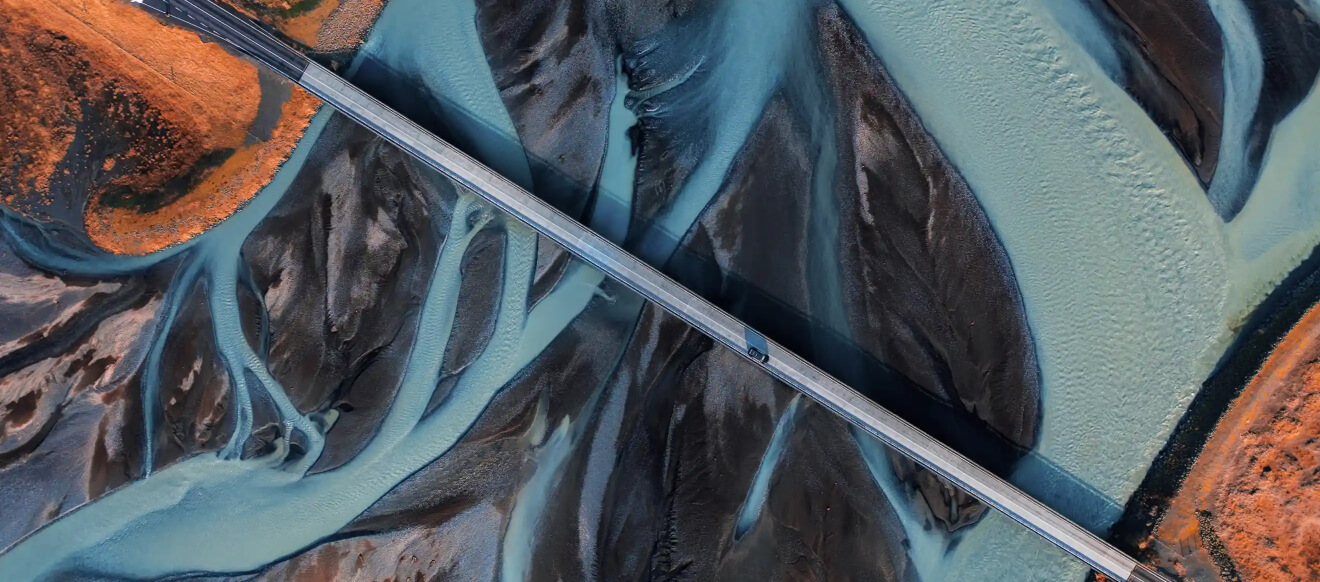
Pull up the Google map of Iceland and you’ll see clean blue lines twisting through the Highlands. Looks easy, right? It’s not. Those F-roads are wild, open only in summer, and meant for 4×4 drivers who don’t mind river crossings or rocks the size of helmets.
GPS will still track you, but the satellite view sometimes lies, skipping over washed-out bridges and snowdrifts that block the way. What looks like a two-hour drive can stretch into five if the weather turns.
Should You Download Offline Maps Before Your Trip?
Offline maps aren’t just for backup; they’re what keep your trip flowing when you wander off schedule. Download full regions before you land so everything loads instantly, even without data. Turn-by-turn still runs fine, only live updates drop out.
Refresh the maps now and then to catch new roads or closures. The file size is small, barely a few hundred megabytes, but the peace of mind is big.
Navigating Iceland’s Popular Routes with Google Maps
Most of Iceland’s beauty hides along the roads you actually drive. Google Maps makes it easy to stitch those routes together without overthinking it. Here’s how to use it right once you rent a car in Iceland.
Google Maps and the Ring Road: What to Expect
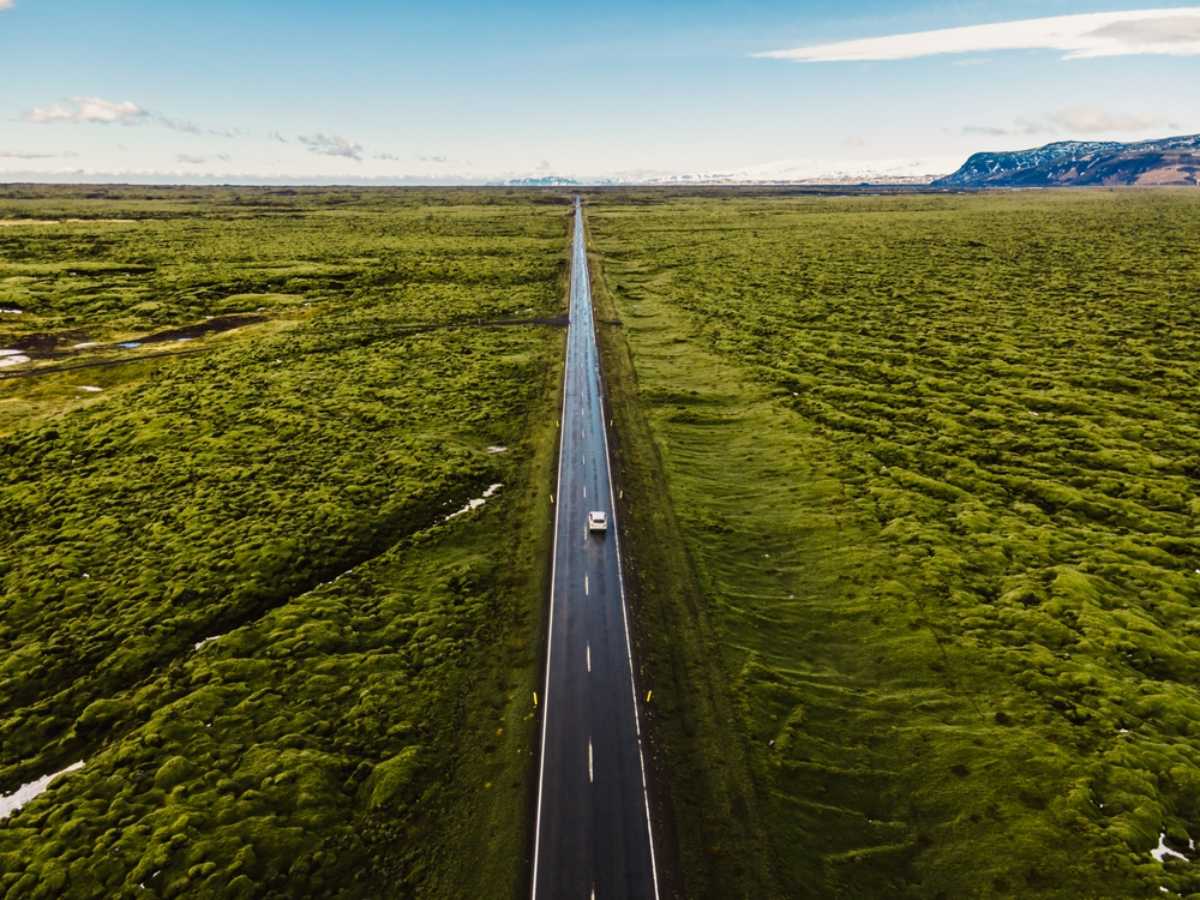
Iceland’s Google Map makes the Ring Road look like one clean circle, but it deserves more respect than that. Download the entire route before leaving Reykjavík and save your fuel stops first.
Most gas stations sit 80 to 100 km apart (50 to 60 mi), and missing one can cost you hours. Use offline mode for the whole loop, and never trust shortcuts that cut through gravel unless you’re in a proper 4×4.
Zoom out before every leg to check for weather alerts or road closures; conditions flip faster than you think. Star a few mechanics, hospitals, and emergency numbers while you still have Wi-Fi.
Exploring the Golden Circle with Google Maps
Google Maps in Iceland makes the Golden Circle a good place to get your bearings. Start in Reykjavík, mark Thingvellir, Geysir, and Gullfoss, then just drive. The loop runs about 300 km (190 mi) and takes five to six hours if you stop for photos or coffee.
Check traffic before leaving town. Midday gets messy when the tour buses flood the road. Use satellite view to find parking before you pull in, especially at Gullfoss, where spots vanish fast.
Go counter-clockwise because most bus tours start early and move in the opposite direction, leaving the road calmer and the main sites quieter for a few hours.
Getting to the Blue Lagoon and Other Top Attractions
The Blue Lagoon sits between Keflavík Airport and Reykjavík, so you can pin it right after landing or before your flight home. Google Maps makes it simple: set your route, check traffic, and drive straight in without confusion.
Most people stop here before returning their rental car, and the app helps you find the right return lots at the airport, too. Parking fills fast, so use Street View or user photos to see the layout before you arrive.
Traffic stays light except around flight times when it spikes for an hour or two. The same smooth accuracy applies at Jökulsárlón, Skogafoss, and across the Snaefellsnes Peninsula, where GPS stays steady even when data drops.
Tips for Using Google Maps During Your Iceland Road Trip
Planning’s the easy part. Google Maps gets most of it right, but a few small tricks make the drive smoother and a lot less stressful. Here’s what you need to know before the miles start adding up.
GPS vs. Mobile Signal: What Happens Without Internet?
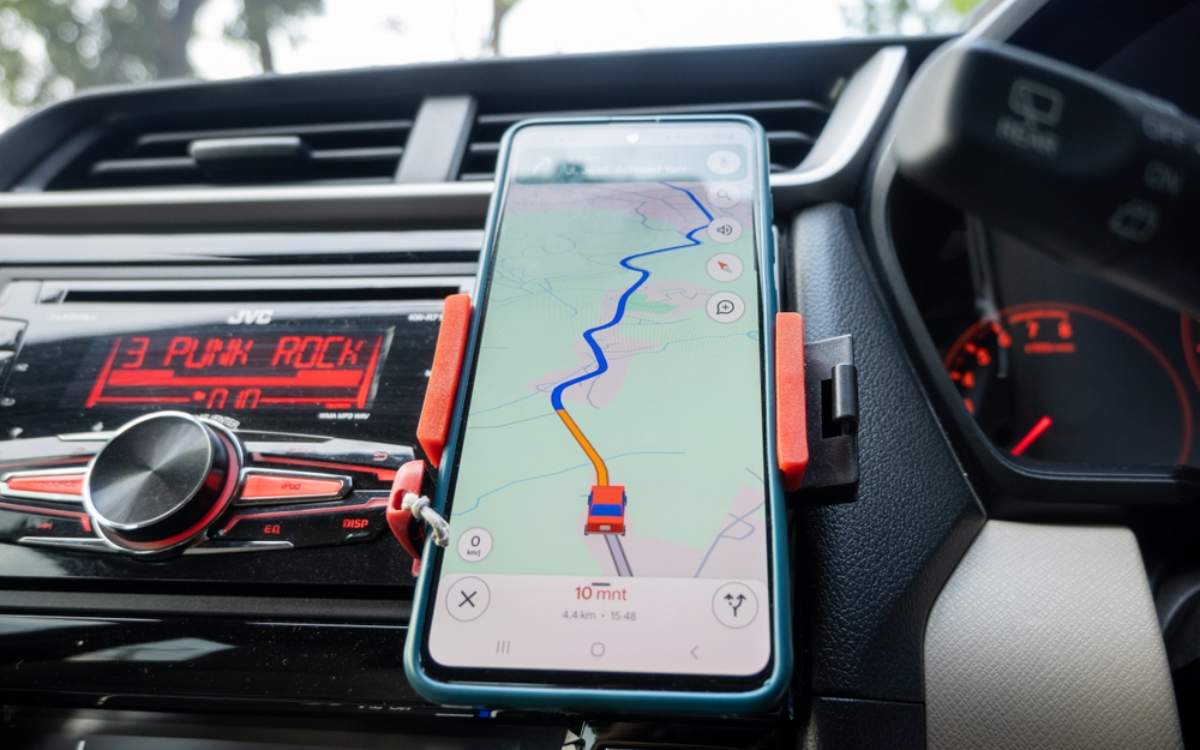
People mix up GPS and mobile data all the time. They’re not the same thing. Google Maps in Iceland keeps tracking you even when your signal drops to zero. GPS connects to satellites, not cell towers, so it still knows where you are within a few meters or feet.
If you saved your routes or downloaded maps, turn-by-turn directions keep working just fine. What you lose are the extras like traffic updates or live rerouting. If the blue dot starts drifting, close the app and reopen it.
That usually fixes it. Out here, GPS keeps its head even when your phone gives up.
How to Find Gas Stations, Parking & Groceries on Google Maps
Finding what you need on the road is simple with Google Maps. Search for gas stations in Iceland and you’ll spot N1, Orkan, Olís, and Atlantsolía spread along the main routes.
Most are spaced about 80 to 100 km apart (50 to 60 mi), so refuel before long drives, especially outside towns. Pumps are usually card-only, and a few run 24 hours. For groceries, look for Bónus, Krónan, or Netto.
The app lists their hours and reviews, so you can pick the closest stop without guessing. Parking shows up clearly, too. Save the free lots near landmarks or restaurants and note the paid zones in downtown Reykjavík.
Road Closures, Real-Time Alerts, and Safety Features
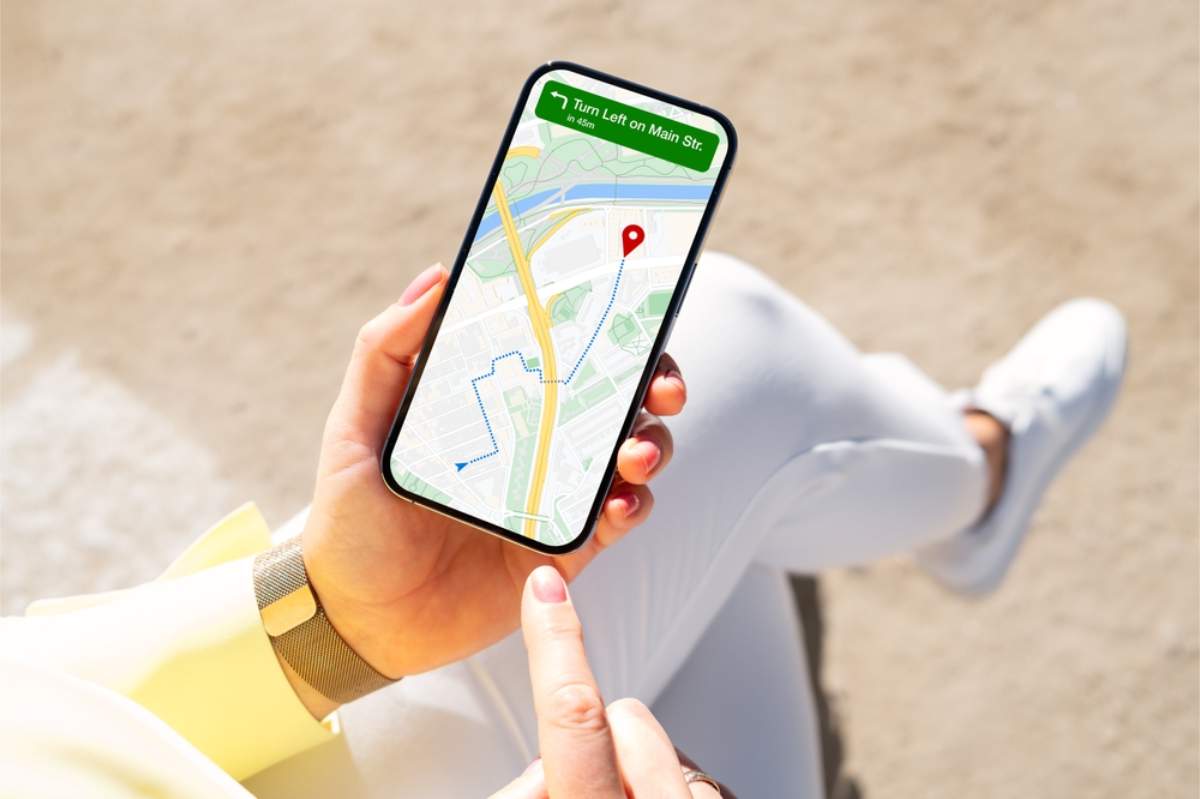
The Google map of Iceland is more than directions; it’s your early warning system. Turn on the traffic and hazard layers before you leave town to catch updates about accidents, icy roads, or closures.
The map pulls data from other drivers, so alerts appear fast, especially near Reykjavík and along the Ring Road. After heavy rain or snow, refresh your route before driving again. Storms can close sections of road overnight, and Google usually flags them before you find out the hard way.
If your car has Android Auto or Apple CarPlay, plug in and keep your eyes on the road while directions play through the dashboard.
Alternative Apps to Use Alongside Google Maps
|
App / Site |
What It’s Best For |
Why It Helps You |
|
Offline navigation |
Works when signal dies in the Highlands or Westfjords. |
|
|
City driving |
Real-time traffic reports around Reykjavík. |
|
|
Weather tracking |
Accurate local forecasts and wind alerts. |
|
|
Road safety updates |
Official government alerts for closures or hazards. |
|
|
Parking payments |
Pay for parking or find legal spots quickly. |
Is Google Maps Enough for Your Iceland Road Trip?
So, does Google Maps work in Iceland? Yes, and better than most people expect. It handles about 90% of your routes without fuss, as long as you plan ahead. Download offline maps, refresh your routes, and keep an eye on live alerts when the weather flips.
For the Highlands or winter drives, pair it with local apps that fill the gaps. That mix covers everything you actually need. Rent the car, load the map, and drive. Iceland rewards the ones who prepare, not the ones who assume Wi-Fi will save them.